
Thermostat Low Battery Warnings: What It Means and How to Fix It (With Examples for Nest, Honeywell, and More)
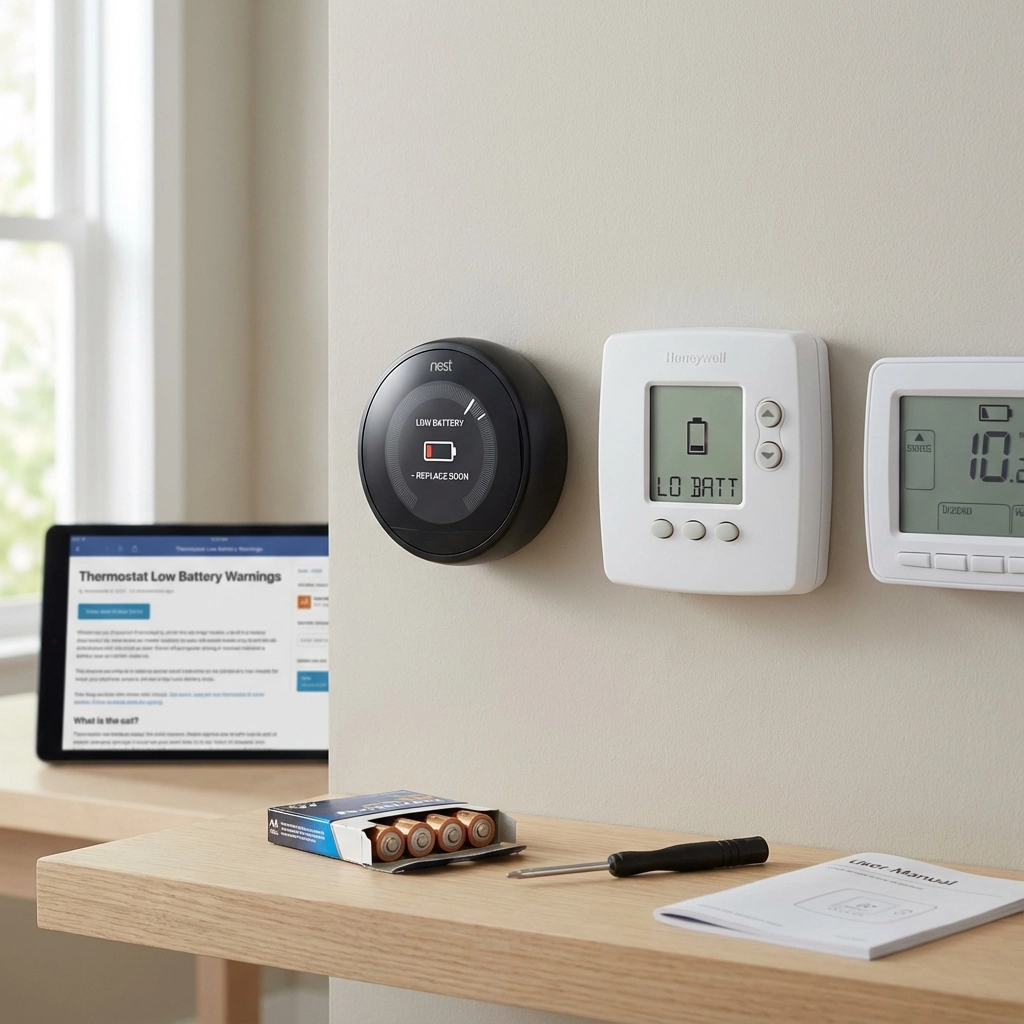
Nothing’s worse than waking up to a cold house and discovering your thermostat is showing a cryptic “low battery” warning. Don’t panic! While this little notification might seem concerning, it’s actually your thermostat’s way of giving you a heads-up before things go completely dark.
At Accu-Temp Air Conditioning & Heating, we get calls about thermostat battery issues all the time, especially during the colder months when heating systems are working overtime. The good news? Most of these issues are pretty straightforward to fix once you understand what’s happening behind that little screen.
Understanding How Your Thermostat Gets Power
Before we dive into fixing that pesky low battery warning, let’s talk about how thermostats actually get their juice. Not all thermostats are created equal when it comes to power, and understanding your setup can save you time and frustration.
Hardwired Thermostats
Many thermostats are directly connected to your HVAC system through a low-voltage wire (usually 24 volts). These thermostats draw power from your furnace or air handler, so they don’t typically need batteries at all. If you have one of these and you’re seeing a battery warning, something might be wrong with the power supply from your HVAC equipment.
Battery-Only Thermostats
Some thermostats, especially older models or wireless units, run entirely on batteries. These are pretty straightforward – when the batteries get low, you replace them. Simple as that.
Hardwired with Battery Backup
This is where it gets interesting. Many modern thermostats use both hardwired power AND batteries. The batteries serve as a backup to keep your settings and clock running during power outages, and they also help power certain functions like the display and Wi-Fi connectivity.
What That Low Battery Warning Really Means
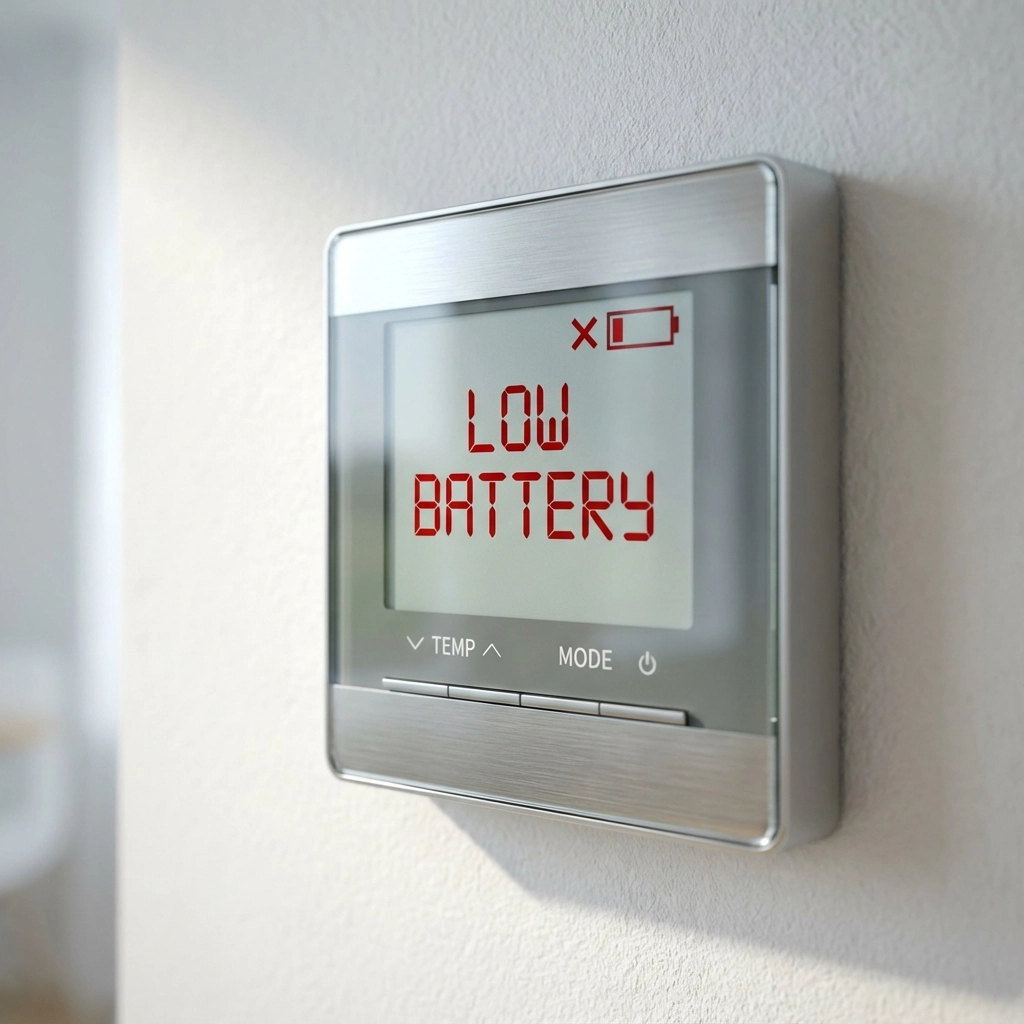
When your thermostat flashes that low battery warning, it’s essentially telling you that its backup power source is getting weak. Even if your thermostat is hardwired, those backup batteries are crucial for several reasons:
Memory Protection: Without battery backup, your thermostat would lose all your programmed schedules every time the power went out. Nobody wants to reprogram their heating and cooling schedule after every storm!
Display Function: Many thermostats use battery power to keep the display bright and responsive. As batteries weaken, you might notice the screen getting dimmer or becoming sluggish.
Wi-Fi Connectivity: Smart thermostats often rely on battery power to maintain their Wi-Fi connection and run advanced features like learning algorithms and remote access.
System Communication: Perhaps most importantly, batteries help ensure reliable communication between your thermostat and your HVAC system. When batteries get too low, this communication can become spotty, leading to heating or cooling problems.
Common Signs Your Thermostat Battery Is Dying
Before that low battery warning pops up, your thermostat might give you some subtle hints that it’s time for new batteries:
- Dim or flickering display: If your thermostat screen looks dimmer than usual or flickers occasionally, weak batteries are often the culprit.
- Unresponsive controls: Notice your thermostat taking longer to respond when you adjust the temperature? That’s a classic sign of low battery power.
- Lost Wi-Fi connection: Smart thermostats might lose their internet connection or have trouble staying connected to your home network.
- Incorrect temperature readings: Weak batteries can cause sensors to malfunction, giving you inaccurate temperature displays.
- System short-cycling: Your heating or cooling system turning on and off rapidly can sometimes be traced back to poor thermostat communication caused by low batteries.
Model-Specific Battery Solutions
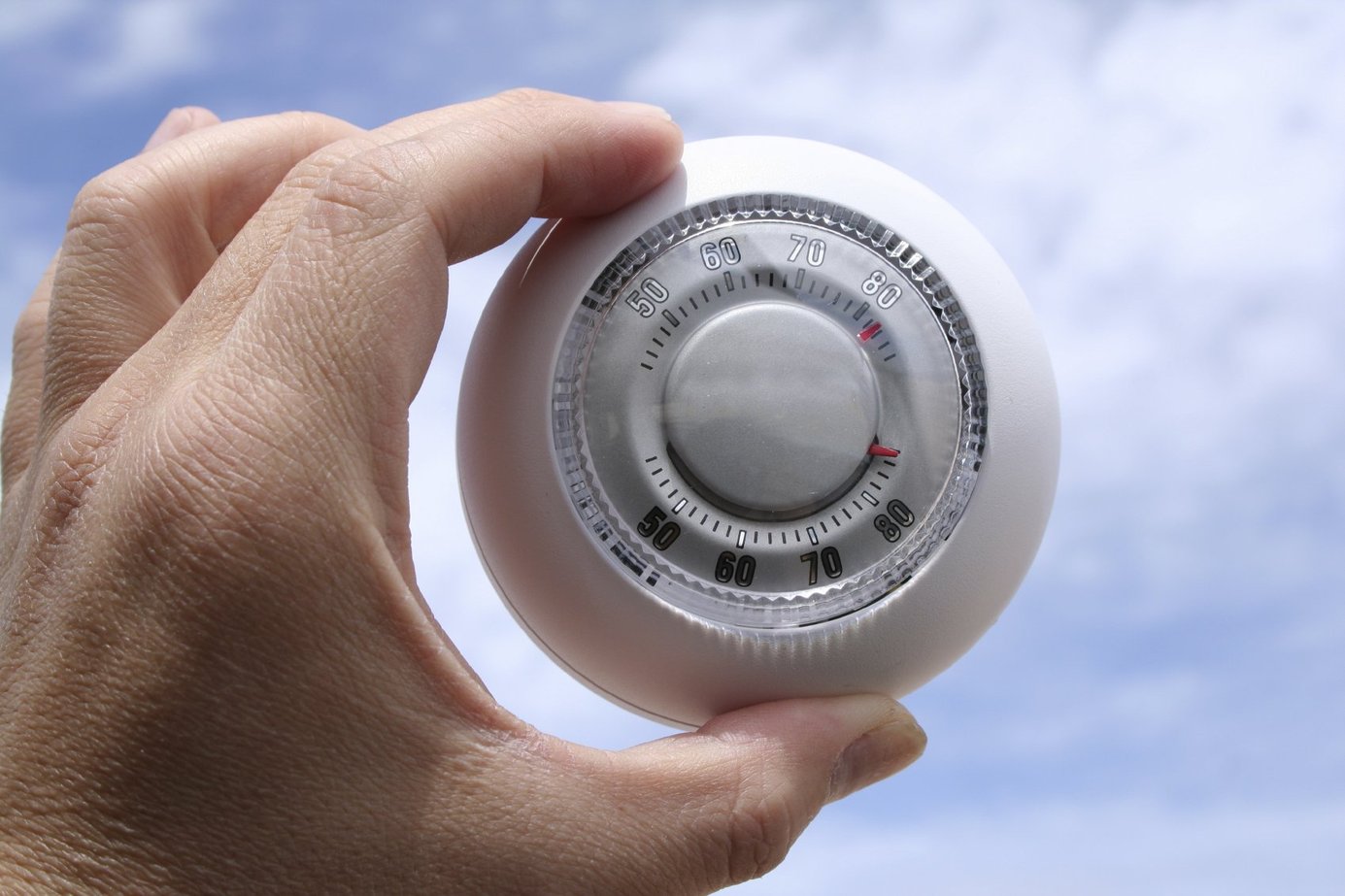
Different thermostat brands and models have their own quirks when it comes to battery replacement. Here’s what you need to know about the most common ones:
Google Nest Thermostats
Nest thermostats are pretty clever – they typically charge themselves using power from your HVAC system’s C-wire (common wire). However, if your system doesn’t provide enough power, or if there’s no C-wire, you might see low battery warnings.
For Nest Learning Thermostats (3rd generation and newer):
- These have built-in rechargeable batteries
- If you get a low battery warning, try charging it with a USB cable (micro USB for 3rd gen, USB-C for newer models)
- Remove the thermostat from the wall plate and plug it into a computer or phone charger for 1-2 hours
- If the problem persists, you might need a C-wire installed
For Nest Thermostat E:
- Also has a rechargeable battery
- Can be charged with a micro USB cable
- Should be charged for about an hour to get back up and running
Honeywell Thermostats
Traditional Honeywell thermostats are usually pretty straightforward when it comes to battery replacement.
For Most Honeywell Models:
- Remove the thermostat faceplate by gently pulling it away from the wall mount
- Look for the battery compartment, typically on the back of the faceplate
- Most use 2-4 AA or AAA alkaline batteries
- Replace with fresh batteries, making sure to match the + and – markings
- Reinstall the faceplate
For Honeywell Smart Thermostats (like the T6 or T9):
- Some models have rechargeable batteries, while others use replaceable AAs
- Check your model number to determine which type you have
- Smart models might also need a C-wire for reliable power
Ecobee Thermostats
Ecobee thermostats typically don’t use batteries at all – they’re designed to run off your HVAC system’s power. If you’re getting power-related warnings:
- Check that your C-wire is properly connected
- Ensure your HVAC system is providing adequate power
- You might need to install a Power Extender Kit (PEK) if your system lacks a C-wire
Step-by-Step Battery Replacement
For most battery-powered thermostats, here’s a simple process to follow:
- Turn off your HVAC system at the breaker for safety (optional but recommended)
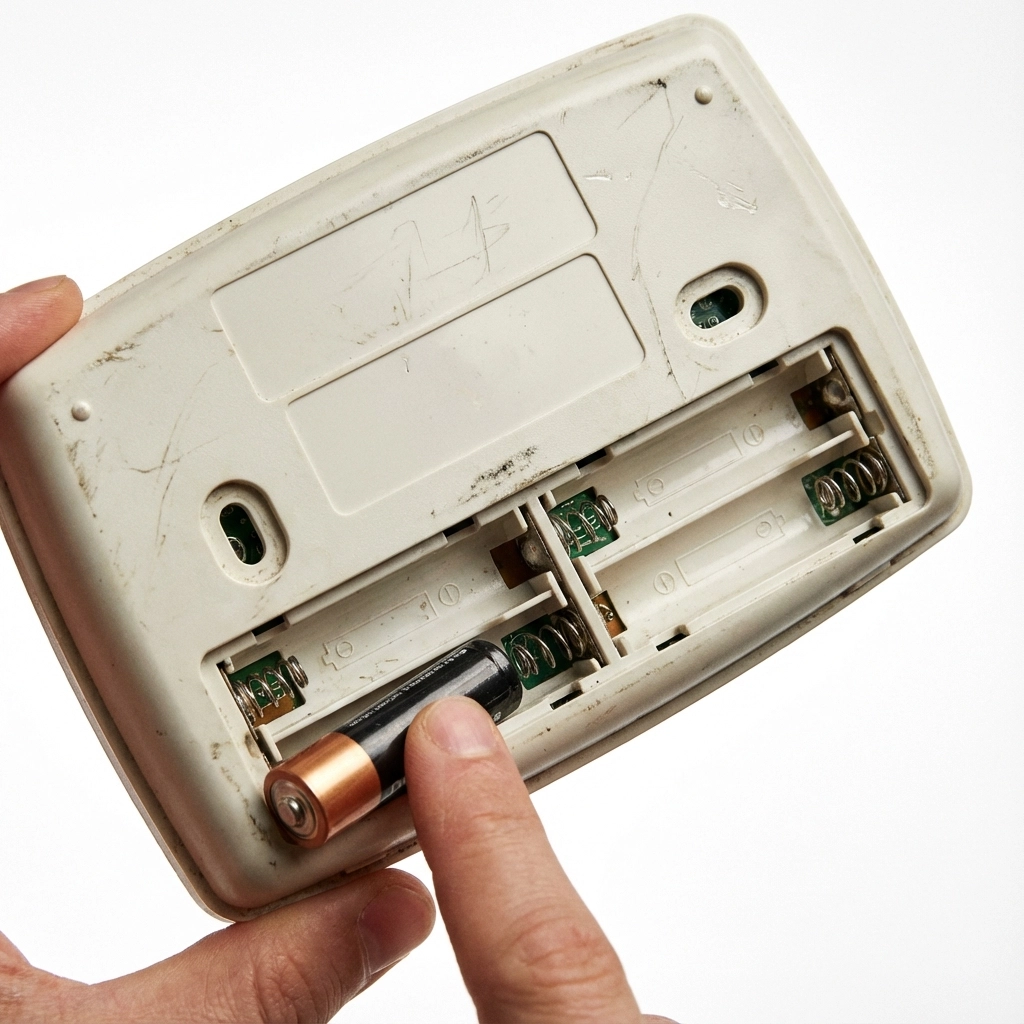
- Remove the thermostat faceplate – this usually involves gently pulling it straight off or lifting it up and off
- Locate the battery compartment – it’s typically on the back of the faceplate
- Note the battery type and orientation before removing old batteries
- Install fresh, high-quality alkaline batteries – don’t mix old and new batteries
- Reinstall the faceplate and turn your system back on
- Check that all settings are preserved and the display looks normal

When to Call a Professional
While most battery issues are DIY-friendly, sometimes you need to call in the cavalry. Here’s when you should reach out to a professional HVAC technician:
If replacing batteries doesn’t solve the problem: This could indicate a wiring issue or a failing thermostat that needs replacement.
When you keep getting low battery warnings frequently: Some thermostats that constantly drain batteries might have internal problems or installation issues.
If you’re not comfortable with electrical work: There’s no shame in calling a pro, especially if you’re unsure about your thermostat’s wiring.
When you need a C-wire installed: Adding a common wire requires working with your HVAC system’s electrical components, which is best left to trained technicians.
If your smart thermostat won’t reconnect to Wi-Fi: Sometimes connectivity issues go beyond just battery problems.
Preventing Future Battery Problems
A little maintenance goes a long way in preventing thermostat battery issues:
Use high-quality batteries: Don’t skimp on cheap batteries – they don’t last as long and can leak, damaging your thermostat.
Replace batteries annually: Even if you haven’t gotten a low battery warning, replacing thermostat batteries once a year (like when you change smoke detector batteries) is good preventive maintenance.
Keep spare batteries handy: Store extra batteries near your thermostat so you’re prepared when that warning pops up.
Consider upgrading to a smart thermostat with C-wire: If you’re constantly dealing with battery issues, upgrading to a properly wired smart thermostat can eliminate the problem entirely.
The Bottom Line
A low battery warning on your thermostat isn’t the end of the world – it’s just your system’s way of asking for a little TLC. In most cases, swapping out some batteries will have you back up and running in minutes. You can learn more about thermostat settings here.
However, if you’re dealing with recurring battery problems, frequent low battery warnings, or you’re just not comfortable working with your thermostat, don’t hesitate to give us a call at Accu-Temp Air Conditioning & Heating. We’ve seen it all when it comes to thermostat issues, and we’re always happy to help Central Texas homeowners stay comfortable year-round.
Remember, a properly functioning thermostat is the brain of your HVAC system. Keeping it powered and running smoothly ensures your home stays at the perfect temperature while keeping your energy bills in check. And that’s something we can all appreciate, especially during those hot Texas summers and surprisingly chilly winter nights!