
Thermostat 101: It’s More Than Just the Temperature
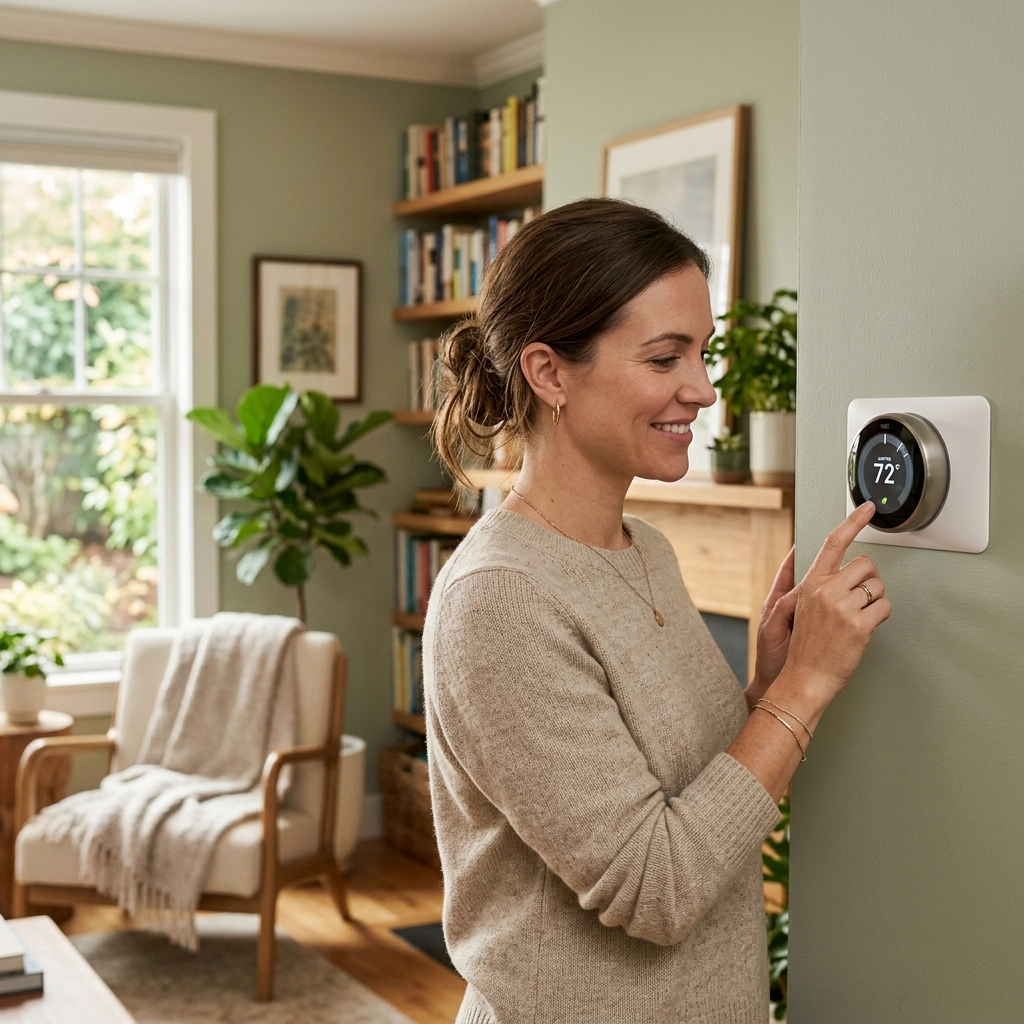
If you live in the Austin area, you know that our weather likes to keep us on our toes. One spring day you’re wearing a light jacket to get coffee, and by 3:00 PM, you’re looking for the nearest swimming pool. Because of that “wait five minutes and it’ll change” Texas climate, your thermostat is easily the most important gadget in your home.
But here’s the thing: most folks treat their thermostat like a volume knob on a radio, they just turn it up or down until they feel better. In reality, your thermostat is more like the brain of your home. It’s making big decisions about your comfort, your electricity bill, and even how sticky or humid the air feels inside your house.
Today, I want to go beyond the “up and down” arrows and talk about the settings that actually matter. If you want to keep your home comfortable without spending a fortune, this “Thermostat 101” guide is for you.
The Great Debate: FAN Setting “AUTO” vs. “ON”
If I had to pick the one setting that causes the most confusion (and the most service calls), it’s the Fan setting. On almost every thermostat, you’ll see two main options: AUTO and ON.
At first glance, you might think, “Well, I want the air moving, so I’ll just leave it ON.” But in the Texas heat, leaving your fan set to ON can actually make your home feel less comfortable.
Why “AUTO” is King in Texas
When your thermostat is set to AUTO, the fan only runs when the system is actually cooling or heating the air. Once the house reaches the temperature you set, the whole system, compressor and fan, shuts off.
This is crucial for humidity control. While your AC is running, the indoor evaporator coil gets ice-cold and pulls moisture out of the air. That moisture turns into water droplets that drip into a drain pan and go outside. If the fan shuts off when the cooling cycle ends, that water stays in the pan or on the coil and drains away properly.
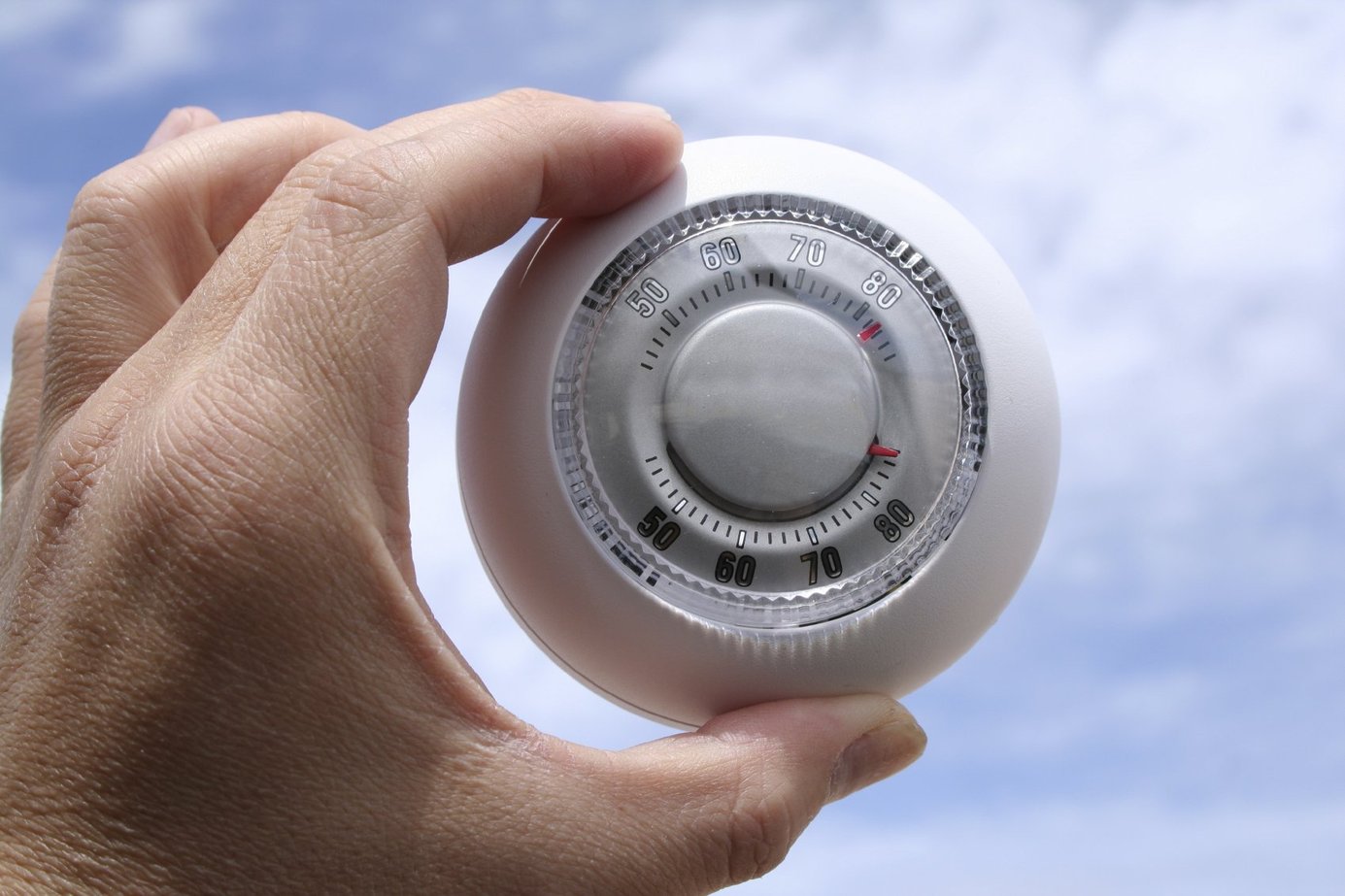
The Problem with “ON”
If you set the fan to ON, the blower motor runs 24/7, even when the outdoor unit isn’t cooling. This means that as soon as the cooling cycle stops, the fan starts blowing air across that wet evaporator coil. Instead of the water draining away, the fan blows that moisture right back into your living room.
In a place like Austin, where humidity is already a battle, leaving the fan to ON can make your house feel like a swamp. It also uses significantly more electricity and can lead to a clogged drain line or even an AC leaking water if the moisture doesn’t have time to settle.
Our Tip: Keep it on AUTO. Your wallet and your skin will thank you.
Mastering the “MODE” Setting
It sounds simple, but you’d be surprised how often we get a call for an “AC not working” only to find the thermostat is still set to “Heat” from a chilly night.
In the spring and fall, Texas homeowners often face the AC by day, heat by night struggle.
Manual vs. Auto-Changeover
Most modern thermostats have three main modes:
- Cool: Only runs the air conditioning.
- Heat: Only runs the furnace or heat pump. (Read more about auxiliary heat settings here.)
- Auto (or Heat/Cool): This is a “set it and forget it” mode. You set a range (like 68 to 74 degrees), and the system switches between heating and cooling automatically to stay in that window.
While “Auto” mode sounds convenient, I usually recommend manual switching. Why? Because if there’s a slight glitch or if your windows are open on a nice day, the system might fight itself, switching back and forth and wasting energy. Taking five seconds to switch the mode yourself is the most efficient way to manage the seasons.
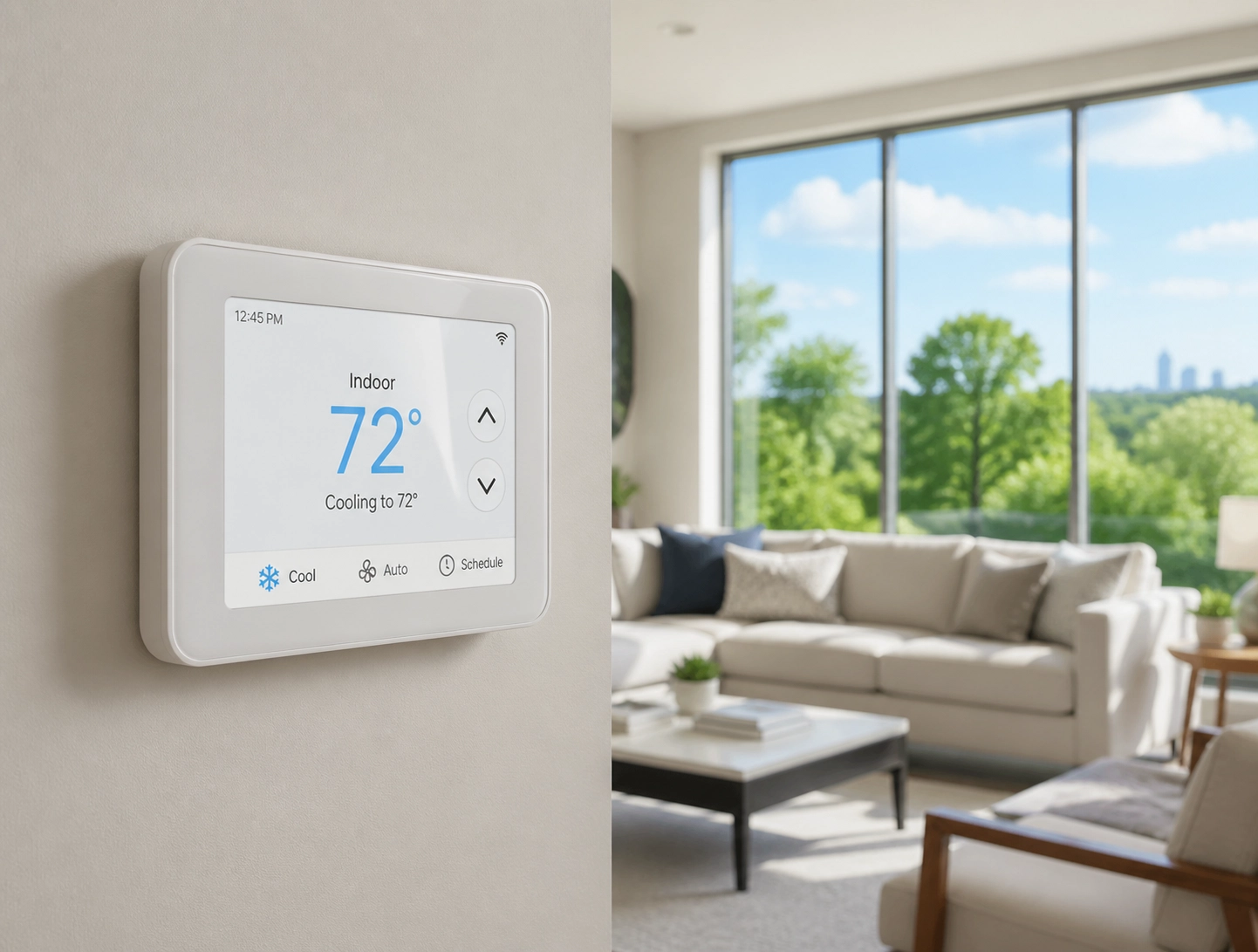
Finding the Settings: A Brand-by-Brand Guide
Not all thermostats are created equal. Some have touchscreens, some have dials, and some are controlled entirely by your phone. If you’ve just moved into a new home or upgraded your system, finding the Fan or Mode settings can feel like trying to crack a safe.
Here is a quick cheat sheet for the most popular brands we see around town:
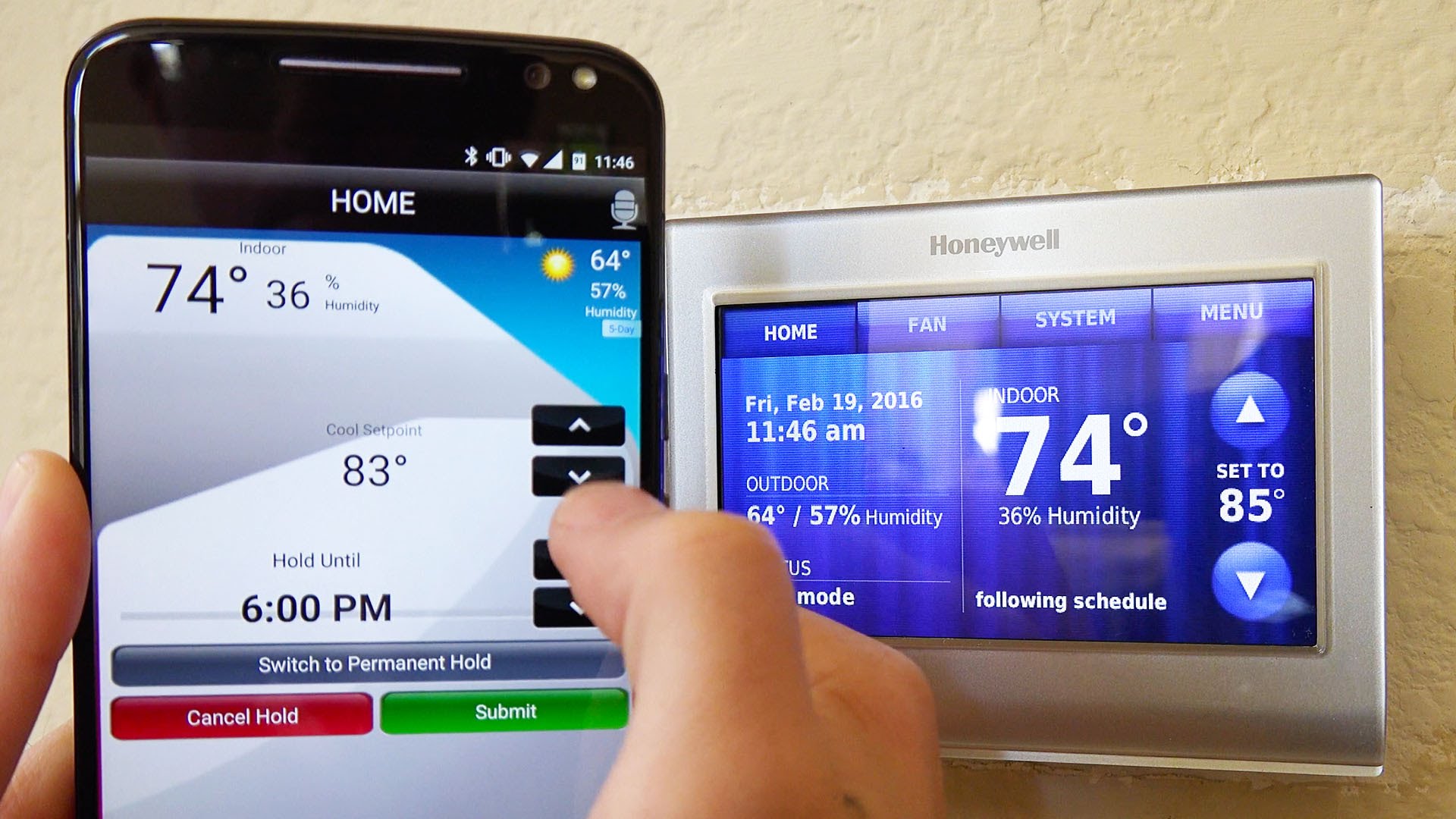
1. Honeywell (The Reliable Classic)
Whether it’s an old-school digital screen or a newer smart model, Honeywell usually keeps it straightforward.
- Where to look: Look for a button labeled “System” (for Heat/Cool/Off) and a button labeled “Fan” (for Auto/On).
- Smart Models: If you have a Honeywell T6 or similar, you may need to tap the “Menu” button on the screen to see the Fan options.

2. Nest (The Modern Tech)
Nest thermostats are famous for their minimalist look, but that can make finding settings a bit tricky.
- On the unit: Press the display to bring up the menu. Turn the outer ring to find the “Thermostat” icon (usually shows the current mode). Click it to change from Heat to Cool.
- Fan Settings: In the main menu, look for the “Fan” icon. You can set a fan timer or change the default behavior.
- The App: Honestly, it’s much easier to do this in the Google Home or Nest app. Just tap the thermostat and look for “Mode” or “Fan” at the bottom.
3. Ecobee (The Smart Choice)
Ecobee uses a touch-sensitive screen that behaves a lot like a smartphone.
- Mode: On the main screen, look for the icon above the temperature (it might look like a snowflake for cool or a flame for heat). Tap it to switch.
- Fan: Tap the “Quick Settings” icon (the three horizontal lines). You’ll see a toggle for the Fan. Make sure it’s on “Auto.”
Why Your Thermostat Location Matters
You could have the most expensive thermostat in the world, but if it’s installed in the wrong place, it won’t work right.
We have seen thermostats installed:
- Directly across from a window: Sunlight hits the sensor, the thermostat thinks it’s 90 degrees in the house, and your AC runs forever.
- In a hallway near the return vent: It’s getting a constant draft, so it doesn’t represent the temperature in the rooms where you actually spend time.
- Near the kitchen: The heat from the oven can trick the thermostat into thinking the whole house is hot.
If you feel like your AC is constantly running, it might not be a mechanical issue with the unit: it might just be that your thermostat is getting bad information!
Making Comfort Simple and Affordable
At Accu-Temp, our motto is “We Make Comfort Easy.” We know that you don’t want to spend your Saturday reading a 50-page thermostat manual. You just want to sit on your couch, watch the game, and feel cool.

The simplest way to keep your bills low is to use a programmable schedule. Most people keep their homes too cold when they aren’t even there. Setting the temp just 4 degrees higher while you’re at work can save you up to 10% on your cooling bills. When you combine that with a clean 4-inch filter or 5-inch filter, your system will run smoother and last longer.
When the Thermostat Isn’t Enough
Sometimes, you’ve checked the Mode, you’ve set the Fan to Auto, and you’ve bumped the temp down, but the house is still warm. That’s when it’s time to call in the pros.
Whether it’s a noisy AC unit or a system that just won’t kick on, our team of experts is ready to help. We’ve been serving the Austin area with honest, friendly service for years, and we’d love to help you get your comfort back on track.
If you’re having trouble with your thermostat settings or if you’re ready to upgrade to a smart thermostat that handles the hard work for you, give us a shout at (512) 636-9555. We’ll get you squared away so you can get back to enjoying your home.
Stay cool, Austin!