Heat Won’t Come On? A Step-by-Step Check You Can Safely Do Before You Call
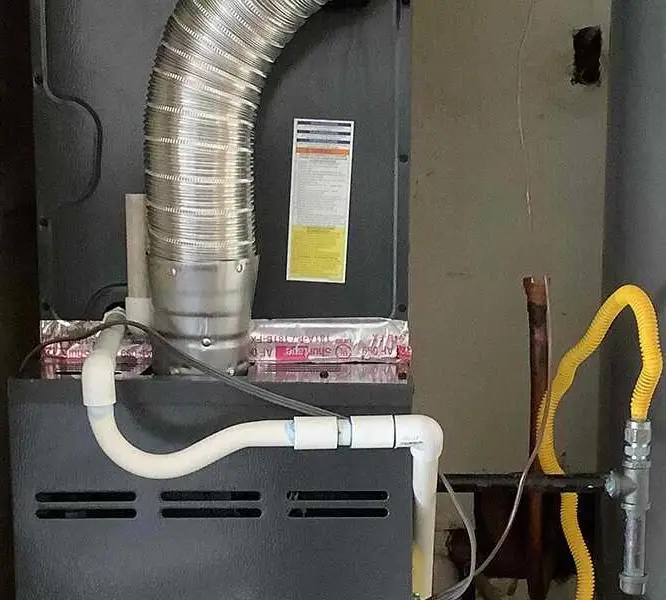
A cold morning is stressful enough without wondering whether your heating system is broken, or what to check first. This step-by-step guide starts with the simplest things and keeps the DIY checks safely on the outside of your equipment.
Important: The checks below do not require opening an equipment panel, touching wiring, or handling gas or refrigerant. If a step takes you beyond those limits, stop. If it’s not on this list, don’t try it yourself.
A safe, step-by-step no-heat check
1. Check the thermostat
Make sure the mode is set to HEAT (not COOL, AUTO, or OFF) and that the fan is set to AUTO. Set the target temperature about 3–5 degrees above the room temperature to give the system a clear call for heat. Check that a schedule, vacation setting, or “away” mode isn’t keeping the temperature lower than you expect.
If the thermostat takes batteries, replace them if they’re low. Thermostats vary: some run on batteries, while others get power through system wiring, such as a C-wire. A blank or very dim screen may mean more than dead batteries; it can indicate a power or control problem. Don’t remove the thermostat from its base or investigate wiring, if fresh batteries don’t help, stop and call.


2. Check the system’s ordinary power switch and visible indicator
If the thermostat is calling for heat but nothing starts, look for the nearby furnace or air-handler power switch. It often looks like an ordinary light switch and may be labeled as a service switch. Make sure it’s on; it can sometimes be switched off by accident.
If your equipment has an indicator light or a display window visible from the outside, note any flashing pattern or error code. Don’t remove a panel to find a code or look at the control board. Write down what you can see without opening the equipment.
3. Check the breaker, reset it only once
At your home’s electrical panel, look for a clearly labeled breaker for the furnace, air handler, or heat pump. If the breaker is tripped and there are no signs of damage, you can reset it once. Don’t remove the panel cover or touch any wiring.
If it trips again, leave it alone and call a professional. A repeated trip is a sign of a fault, not a hiccup to keep resetting. A low-voltage fuse is also not a homeowner repair.
4. Inspect the air filter
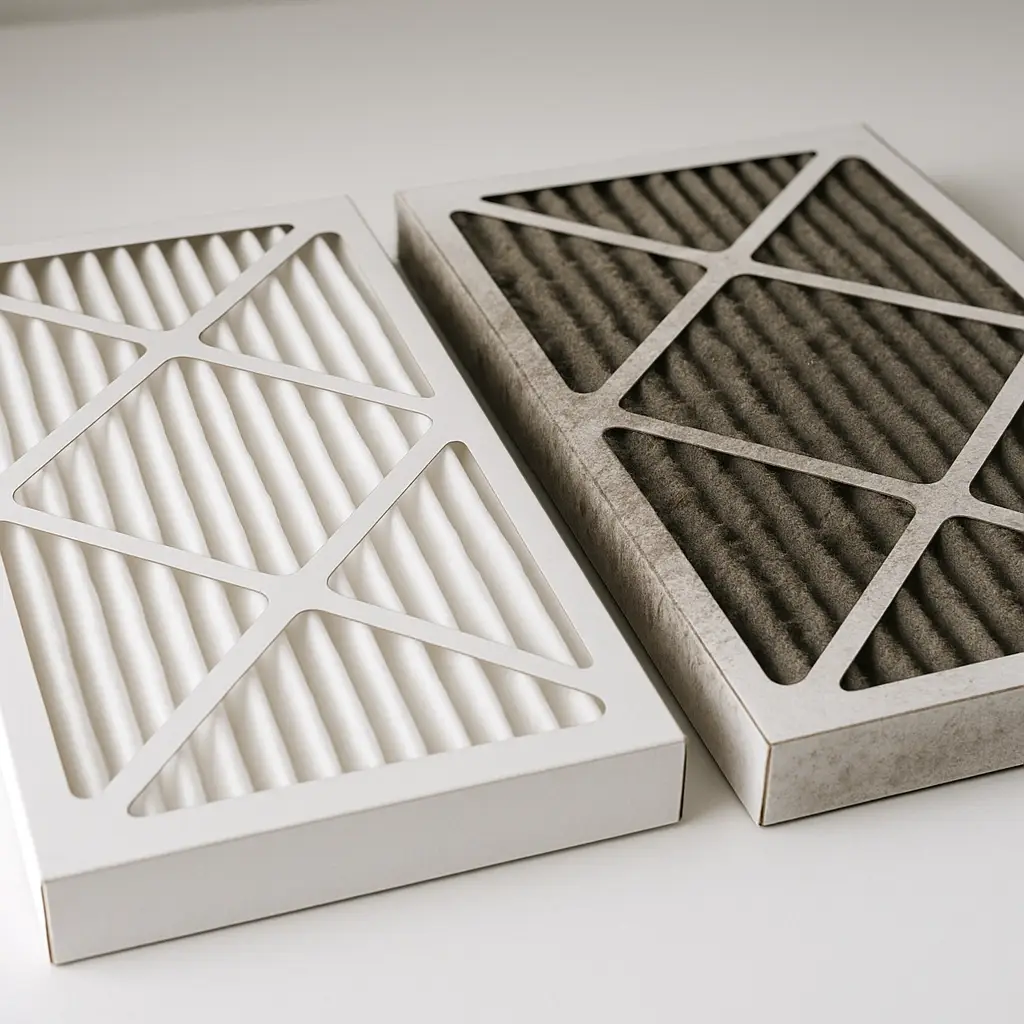
A badly clogged filter can restrict airflow. In a furnace, that can cause the system to overheat and shut down on a safety limit. If the filter is dirty, replace it with the correct size and type, following the airflow arrow on the filter. Never run the system without a filter.
5. Open registers and clear returns
Check that supply registers are open and not covered by rugs, furniture, or other items. Make sure return-air grilles are also clear. Restricted airflow can contribute to an overheating shutdown, so give air a clear path back to the system.
6. If you have a gas or propane furnace, make only a visual check
If the appliance shutoff valve is easy to see and you know it hasn’t been touched, you can check that it appears to be on. Don’t turn a gas valve or handle gas lines if you’re unsure. If you smell gas, skip the rest of this guide and follow the emergency instructions below.
You may hear an inducer fan and then an ignition sequence as the furnace starts. If you hear the inducer but the burners don’t light, that’s a job for a technician, not a cue to open the furnace or try to relight anything. If there’s a sight glass intended for viewing the burner, look only through that window. A steady blue flame is typical; a rolling yellow-orange flame or visible damage means turn the system off if it’s safe and call.
7. If you have a heat pump, look at the outdoor unit
From outside, check whether the unit is packed in with leaves, snow, or other debris, and clear loose material around it. Don’t open the unit, reach inside, or chip away ice.
Some frost can be normal in cold weather. Heat pumps periodically enter a defrost cycle, and auxiliary or emergency heat may also come on as part of normal operation. If heavy ice doesn’t clear within an hour or two, or you see ice on the indoor coil, stop and call for service.
8. Look for water around the indoor unit
If you see water near the furnace or air handler, the system may have stopped because a condensate float or safety switch detected a drainage problem. You can look for visible water from a safe position, but don’t bypass or manipulate a safety switch. It’s there to help prevent water damage.
If water is overflowing, or the area is wet near electrical equipment, don’t touch the water or equipment. Call for professional help.
9. Take note of what you hear and see
If the system still won’t heat, pay attention to what happens when it tries to start. Is the blower running but the air isn’t warm? Do you get heat but little airflow? Do you hear clicking without a start, or unusual rumbling or screeching? A burning or oily smell is also important to mention.
Write down any visible error code. These observations can help the technician narrow down the issue, and may save time during the visit.
Stop here and call
Don’t continue troubleshooting if you encounter any of the following:
- You smell gas: Leave the home. Don’t operate switches or use a phone inside. Call 911 or the gas utility from outside.
- A carbon monoxide alarm sounds: Get everyone, including pets, outside and call 911.
- You notice smoke or a burning or electrical smell: Turn the system off at the thermostat only if it’s safe to do so, then call. If there’s active smoke or fire, leave and call 911.
- A breaker trips again, or you see sparking or scorched wiring: Don’t reset it or touch the equipment.
- Water is overflowing, ice remains on the equipment, or you see visible flame damage: Stop and call.
- You suspect a cracked heat exchanger or anything requires going behind a panel: Don’t inspect or repair it yourself.
If the checks above don’t get the heat running, stop here and call a qualified HVAC professional. Calling after these steps isn’t a failure: it’s the safe next step.
What happens when a technician comes out?
A professional visit doesn’t have to be a mystery. Depending on the equipment and what you’ve observed, a technician may check combustion and carbon monoxide levels, inspect the heat exchanger, measure gas pressure, or test the igniter, flame sensor, control board, blower motor, and capacitor. With a heat pump, they may check refrigerant operation and the defrost cycle. They can also assess airflow and static pressure, and consider whether system sizing is contributing if the equipment runs but can’t keep up.
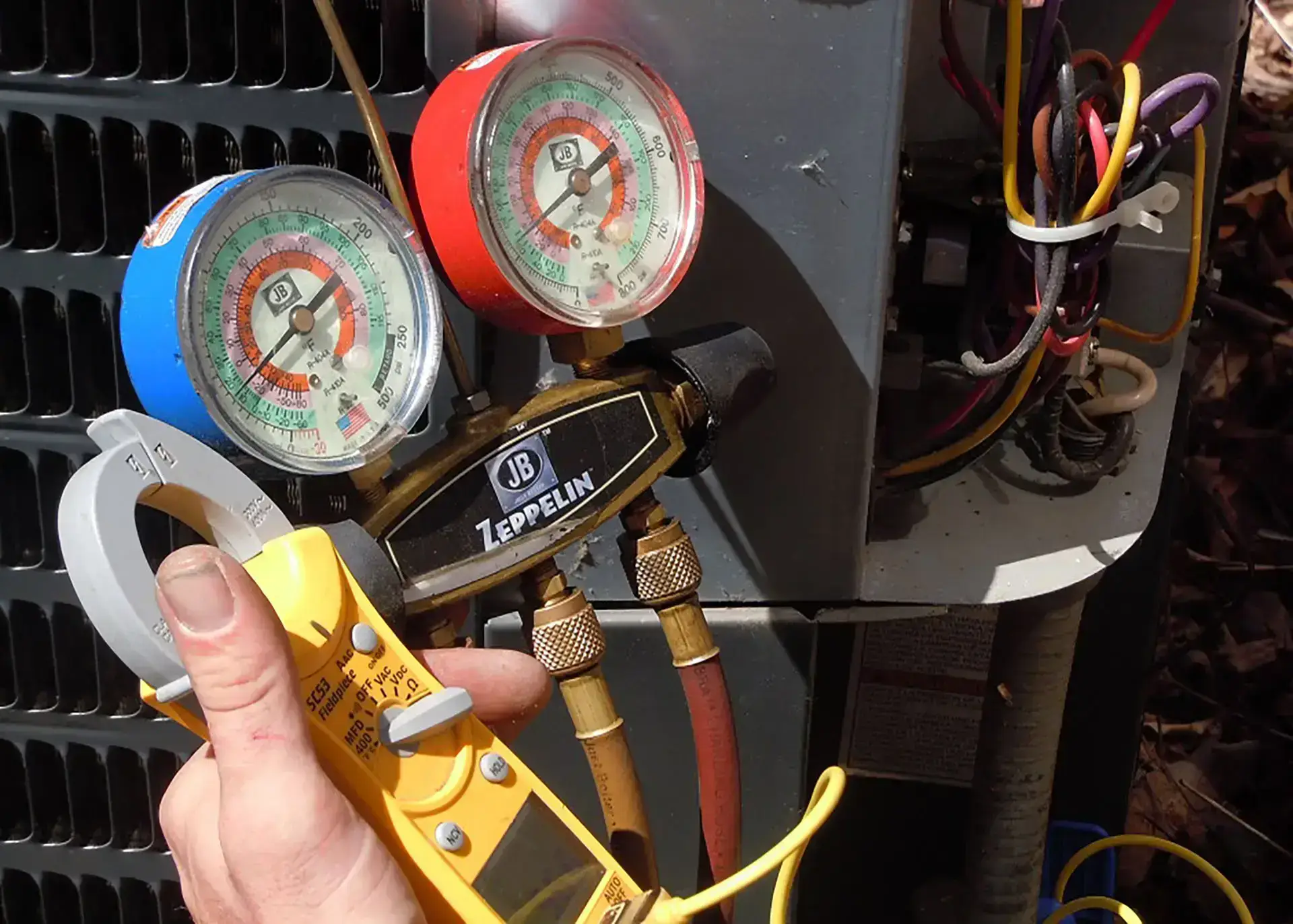
A no-heat call doesn’t automatically mean an expensive repair. The cause might be a thermostat setting, a clogged filter, a tripped safety, a flame sensor that needs attention, or a failed capacitor. At Accu-Temp Air Conditioning & Heating, we aim to give you a clear, specific diagnosis and straightforward options, not unnecessary repairs or pressure to replace a system.
Before you call, have this ready
- Your system’s age and model, if you know them
- The thermostat mode and temperature setting
- Any visible error code
- What you hear when the system tries to start
- Whether the outdoor unit is running, if you have a heat pump
- When you last changed the filter
For more cold-weather guidance, pair this with our cold-weather prep checklist and burning-smell article. You may also find our smoke and CO detector guide helpful if your home has a gas furnace.
If you’ve worked through the safe checks and still don’t have heat, contact Accu-Temp for help in Austin and the surrounding Central Texas area.